
Your first patch of snow in Dig Out the Village
Start at Valcandil’s fountain. Find a low bank, make a cut you can come back to, and use the workshop to see what your shovel can handle.
Play the browser demo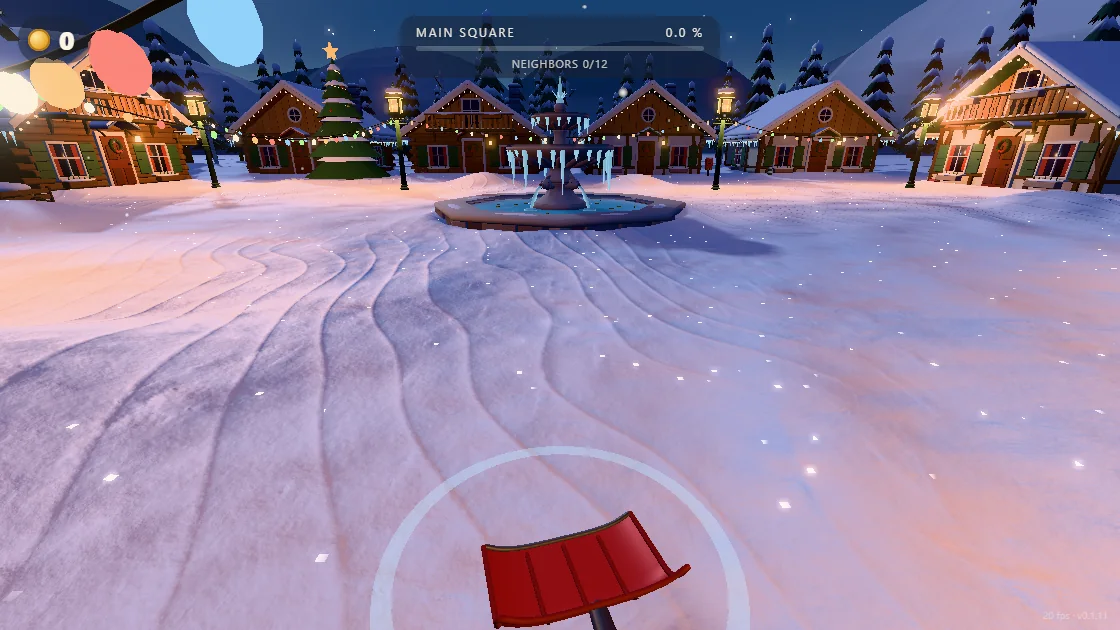
Use the fountain to keep your bearings
Choose Play free demo and wait for the village itself to appear. Click CLICK TO START, then move the mouse slightly. The scene should turn with you. Tap W once and use the fountain or a nearby wall to check that your position changed.
Walk toward a low bank near the square. Pick an edge beside an open area so you can approach it without climbing, and use a stone or a corner of the fountain as your marker. A marked edge is easier to compare after a few strokes than a featureless patch in the middle of a drift.
Make a short pass and read the result
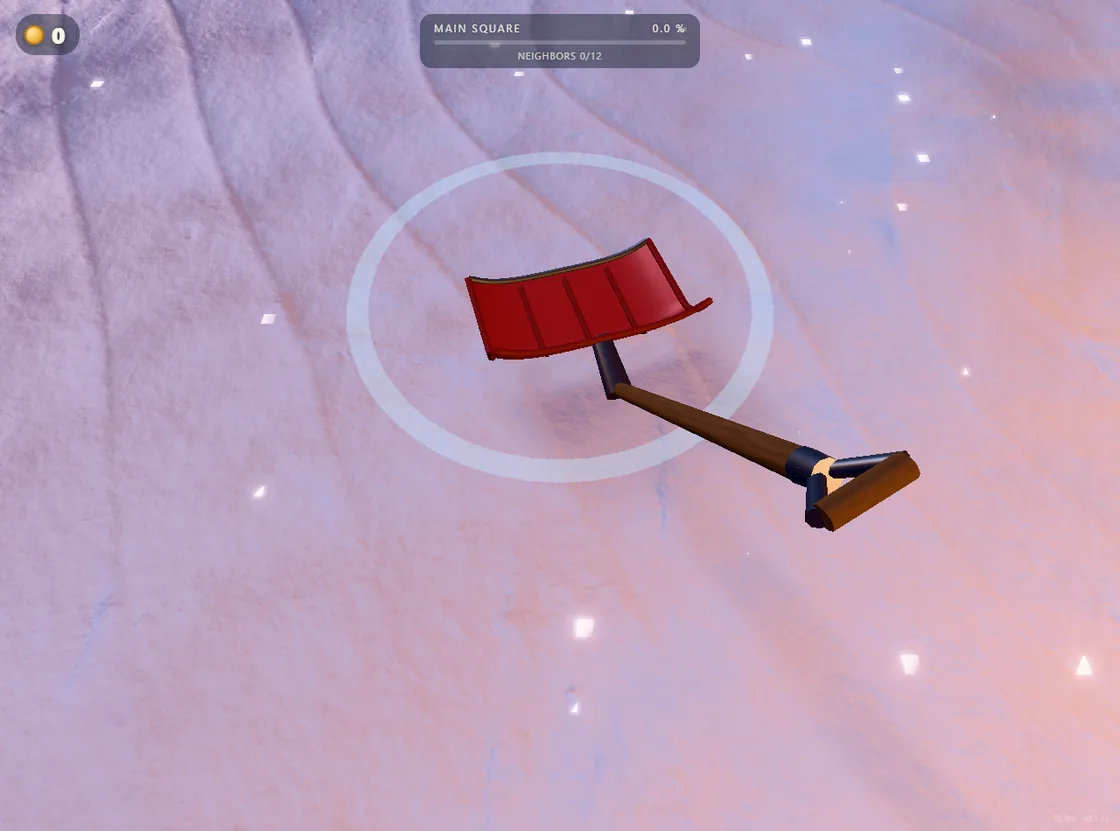
- Pick one edge. Aim down so the ring sits on the face of the snowbank. Make one stroke and watch the boundary by your landmark.
- Repeat beside the cut. If the edge shifts, aim just next to it and try another stroke. A visible notch or a change in the coin counter gives you something to check on the next pass.
- Change one thing if nothing moves. Keep the same target and step closer. If the edge still looks identical, try a low, softer patch. Compare what happens before you return to the harder surface.
For example, pick the end of a bank beside a stone. After the first stroke, keep the stone in view and aim just to the side. If the gap grows, continue along that edge. If you’re swinging in the same hollow, move your aim onto the snow still standing.
Read the three signs of progress
Glance at the HUD at the start and after a small pass. Look at the coin count first and then at what changed in the square.
- Coins
- Compare the balance before and after cutting a fresh edge. It helps you spot a productive pass even when the visible cut is small.
- Main Square %
- Use the square’s percentage to see how clearing adds up across the area. For a single swing, watch where the blade meets the snow.
- Neighbors
- Watch this counter when you work around one house. Look for changes at that house, such as a lit window, as the village comes back to life.
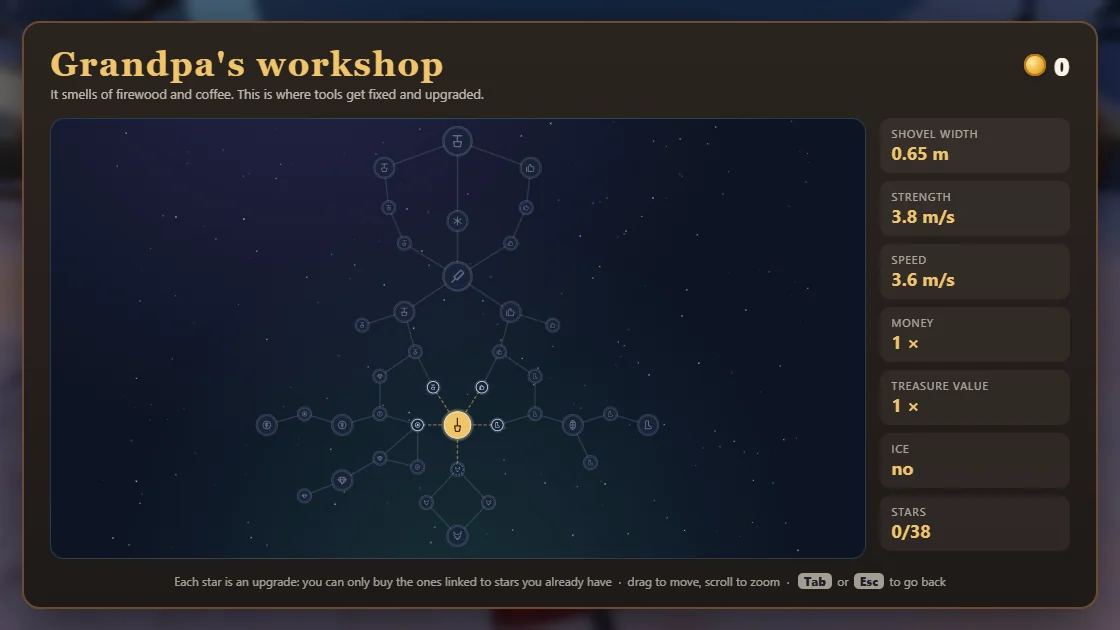
Read your shovel in Grandpa’s workshop
Press Tab while the game has focus. Check your coin balance and read the stats on the right. Width is the stat to read when your strokes leave strips between cuts. Ice tells you whether your current shovel can work on ice.
Close the workshop and use the fountain to find your test patch again. If you opened the workshop early and still have no coins, keep using the soft edge to check your aim. When you’re ready to spend, see how to compare reachable shovel upgrades.
Get unstuck without losing your place
The village is still loading
Wait for the scene and start prompt to appear. If the game window shows an error, follow the browser loading guide before opening more tabs.
The scene shows but the keys scroll the page
Click inside the game, then tap W and look for movement. Use Esc when you want the cursor back for the site controls.
The shovel swings but the bank looks the same
Stand closer and aim at a visible edge. Use a softer patch to test whether the distance, aim or surface is stopping the cut.
Tab moves between links
Return focus to the game by clicking the scene. Press Tab again and look for the workshop’s star tree and stats panel.